Payment Tracking Overview
Learn how to track and record payments in LKG Billing.
💰 What are Payments?
Payments are records of money received from customers against invoices. The Payment Management section helps you:
- Record payments received
- Track payment methods
- Match payments to invoices
- Monitor outstanding balances
- Generate payment reports
📊 Payment List View
When you navigate to the Payments section, you'll see all payment records.
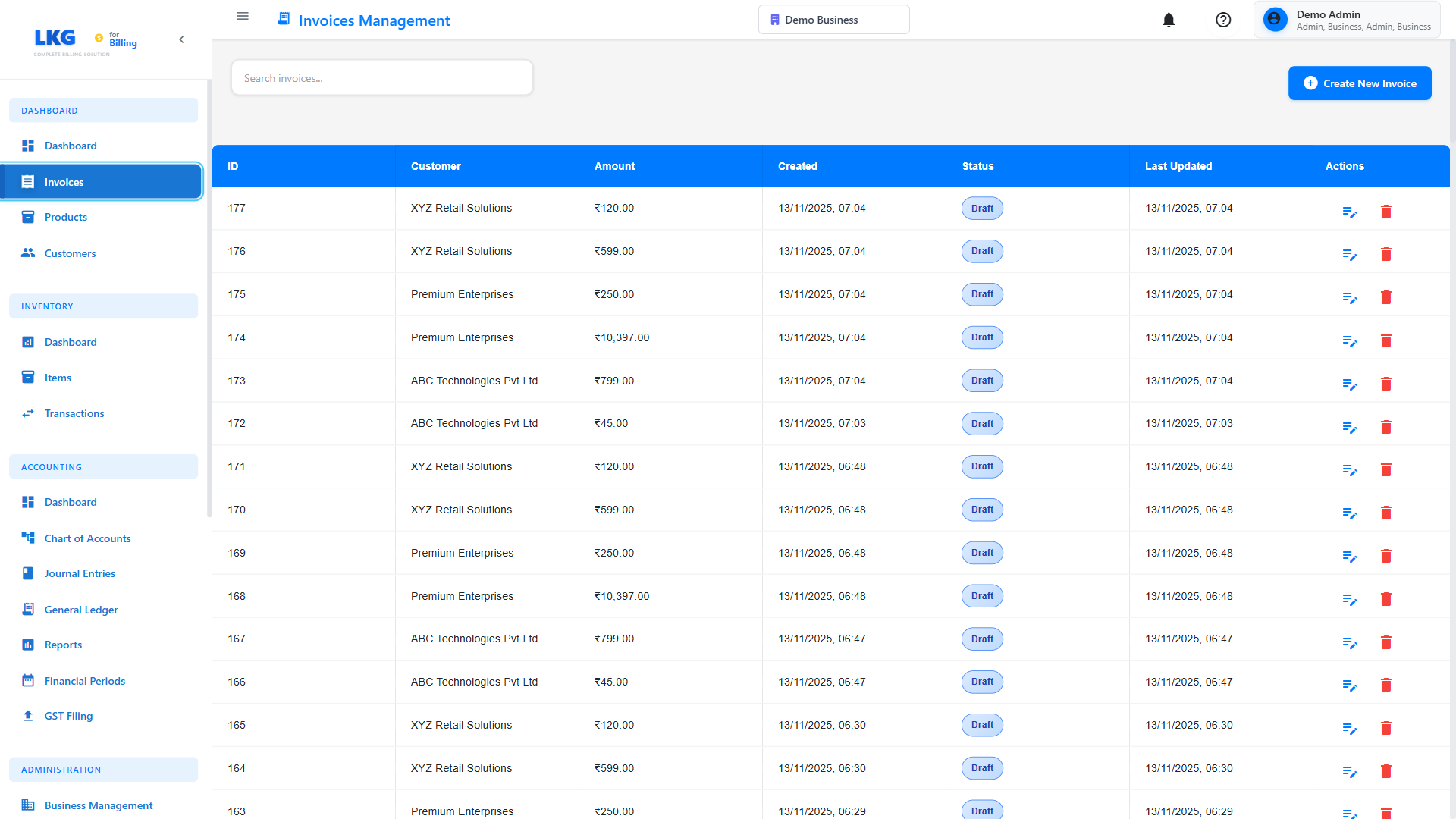
List Features
- Search Bar - Find payments by customer, invoice, or amount
- Filter Options - Filter by date, method, or customer
- Record Payment Button - Add new payment records
- Payment Table - View all payment details
Each payment entry typically shows:
- Payment date
- Invoice number
- Customer name
- Amount received
- Payment method
- Reference/Transaction ID
- Status
💳 Payment Methods
LKG Billing supports various payment methods:
Bank Transfer
Direct bank-to-bank transfer.
Details to Record:
- Transaction ID
- Bank name
- Transfer date
Credit/Debit Card
Card payments through payment gateway.
Details to Record:
- Last 4 digits
- Card type (Visa, Mastercard, etc.)
- Transaction ID
Cash
Physical cash payments.
Details to Record:
- Receipt number
- Date received
Check/Cheque
Payment by cheque.
Details to Record:
- Cheque number
- Bank name
- Cheque date
- Clearance status
UPI (India)
Unified Payments Interface.
Details to Record:
- UPI Transaction ID
- UPI ID used
Online Payment Gateway
Razorpay, Stripe, PayPal, etc.
Details to Record:
- Gateway transaction ID
- Payment status
🔍 Searching Payments
Find payments quickly:
Search Examples:
- By customer:
John Doe - By invoice:
INV-2024-001 - By amount:
15000 - By transaction ID:
TXN123456
📋 Payment Information
Click on any payment to view details:
Payment Details
- Payment date and time
- Amount received
- Payment method
- Reference/Transaction number
- Notes
Invoice Information
- Invoice number
- Invoice total
- Amount paid
- Balance remaining
Customer Details
- Customer name
- Contact information
- Payment history
🎯 Common Payment Actions
Record New Payment
Learn how to record a payment.
Edit Payment
- Find the payment in the list
- Click Edit
- Update details
- Click Save
Only recent payments can be edited. Finalized payments may require supervisor approval.
Delete Payment
- Find the payment
- Click Delete
- Confirm deletion
- Invoice balance updates automatically
Send Receipt
- Open the payment
- Click Send Receipt
- Email receipt to customer
Download Receipt
- PDF: Download as PDF
- Print: Print receipt
📊 Payment Status
Received
- Payment successfully received
- Invoice balance updated
- Included in reports
Pending
- Payment initiated but not confirmed
- Awaiting clearance (e.g., cheque)
- Not yet applied to invoice
Failed
- Payment attempt failed
- Invoice balance unchanged
- Needs retry or alternative method
Refunded
- Payment returned to customer
- Invoice balance reverted
- Kept for records
💡 Payment Tracking Tips
- Record Immediately - Log payments as soon as received
- Include References - Always note transaction IDs
- Verify Amounts - Match payment to invoice amount
- Reconcile Regularly - Check bank statements weekly
- Send Receipts - Confirm payment with customer
- Keep Records - Maintain payment documentation
📧 Payment Receipts
Automatically send receipts when recording payments:
Receipt Includes:
- Payment amount
- Payment date
- Payment method
- Invoice reference
- Balance remaining (if any)
- Company details
📊 Payment Reports
Generate reports for:
- Payments by date range
- Payments by customer
- Payments by method
- Outstanding balances
- Payment trends
Learn more: Reports
🔄 Partial Payments
Handle installment payments:
Example:
Invoice Total: ₹50,000

Payment 1: ₹20,000 (November 20)
Payment 2: ₹15,000 (December 5)
Payment 3: ₹15,000 (December 20)

Balance: ₹0
Each payment is recorded separately, and the invoice shows remaining balance.
💰 Overpayments
If customer pays more than invoice amount:
Options:
- Refund excess - Return extra amount
- Credit to account - Apply to future invoices
- Record as advance - Hold for next invoice
🚀 Next Steps
- Record a Payment - Step-by-step guide
- Invoice Management - Managing invoices
- Reports - Payment analytics
Ready to record payments? Click Next to learn how! 👉